Uniting external and internal identity journeys for millions of Trailblazers across the Salesforce ecosystem.
TrailblazerID was a massive undertaking to unify the disparate public identities and services for login, signup, and user profiles across all of Salesforce’s public websites.
Project management & kickoff
In conjunction with a small team of product SVPs, I led the design initiatives and workgroup through a multi-month engagement that ended with the launching of TrailblazerID across six Salesforce domains with more than 12 million monthly active users.
I kicked things off with bi-weekly workgroup sync-ups where we would review the progress from the previous two weeks. Here’s how things went…
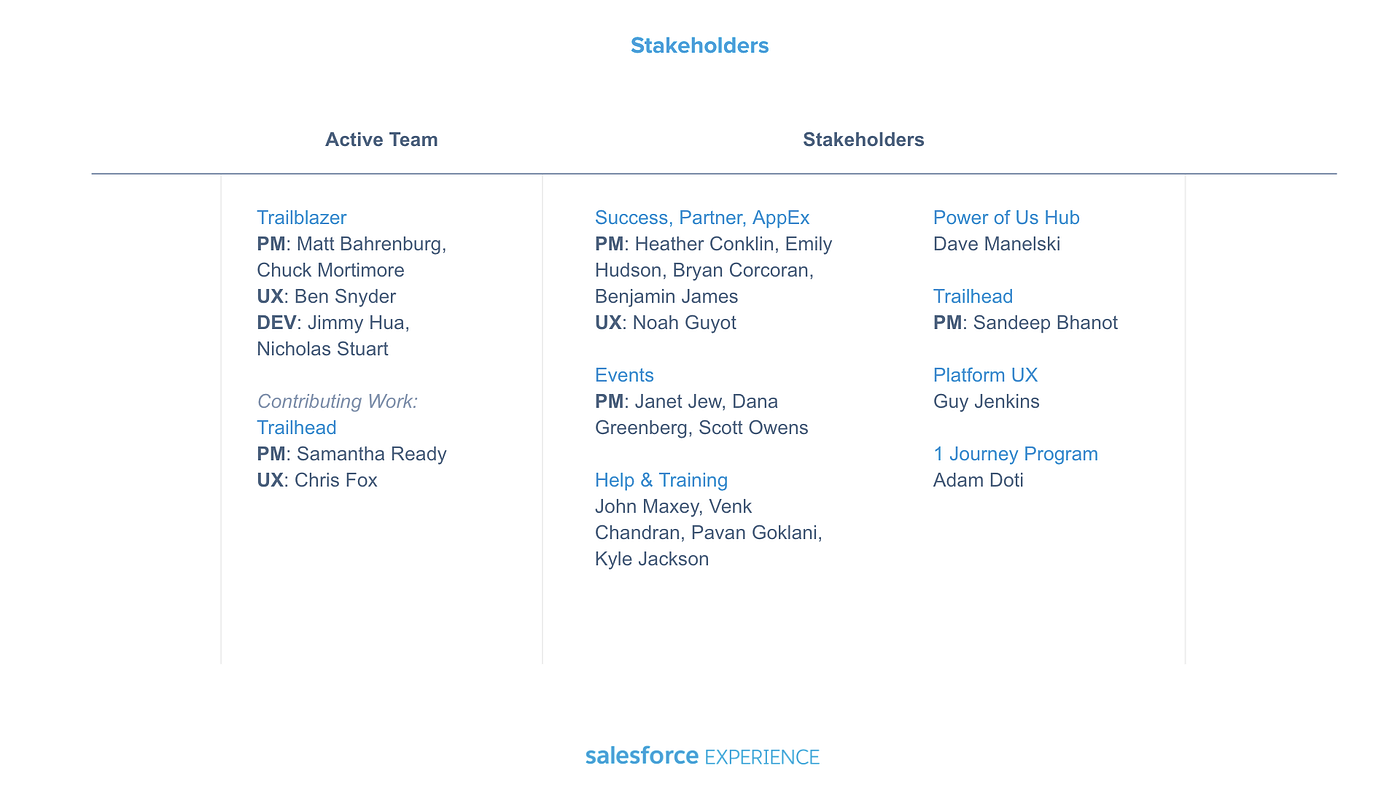
We had to work with many substantial product stakeholders.
The team and stakeholders grew as the project went on.
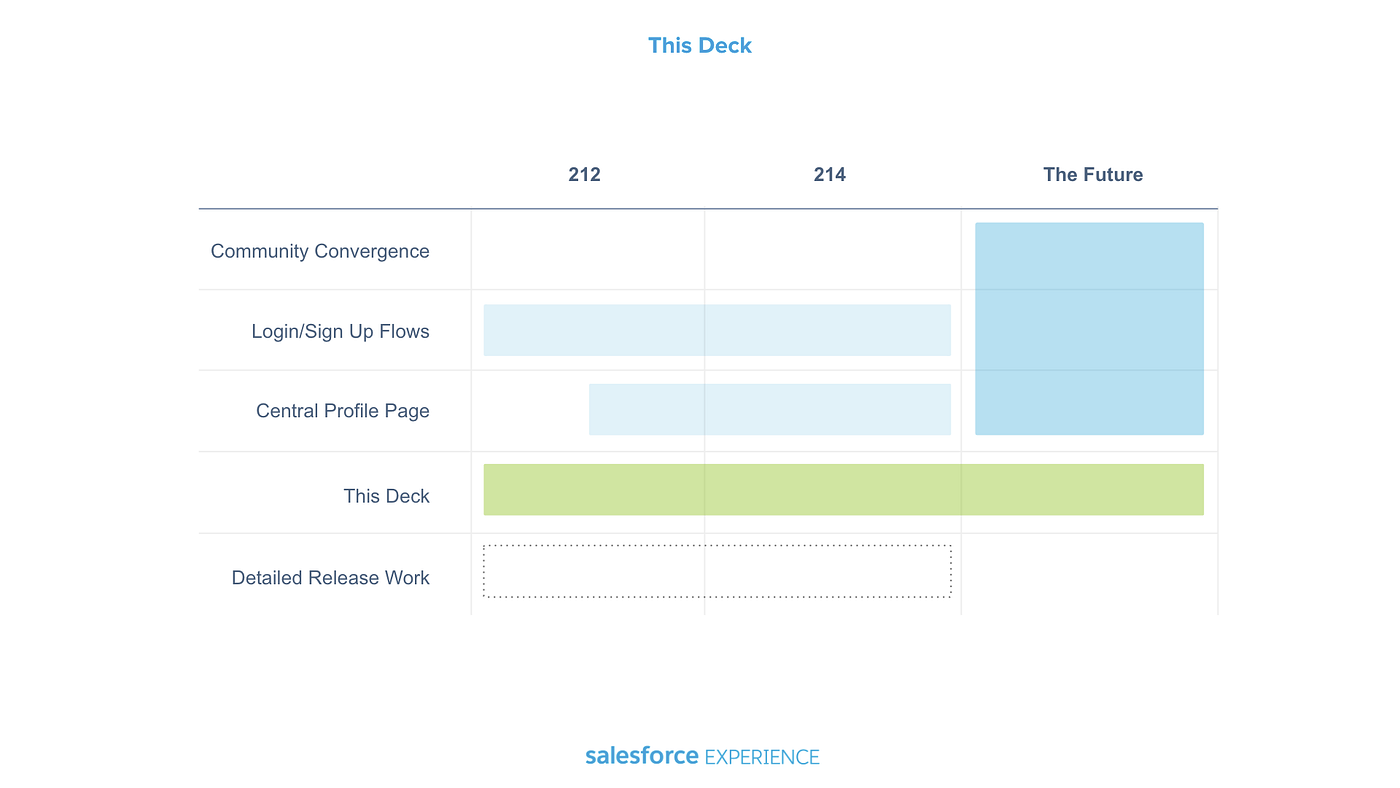
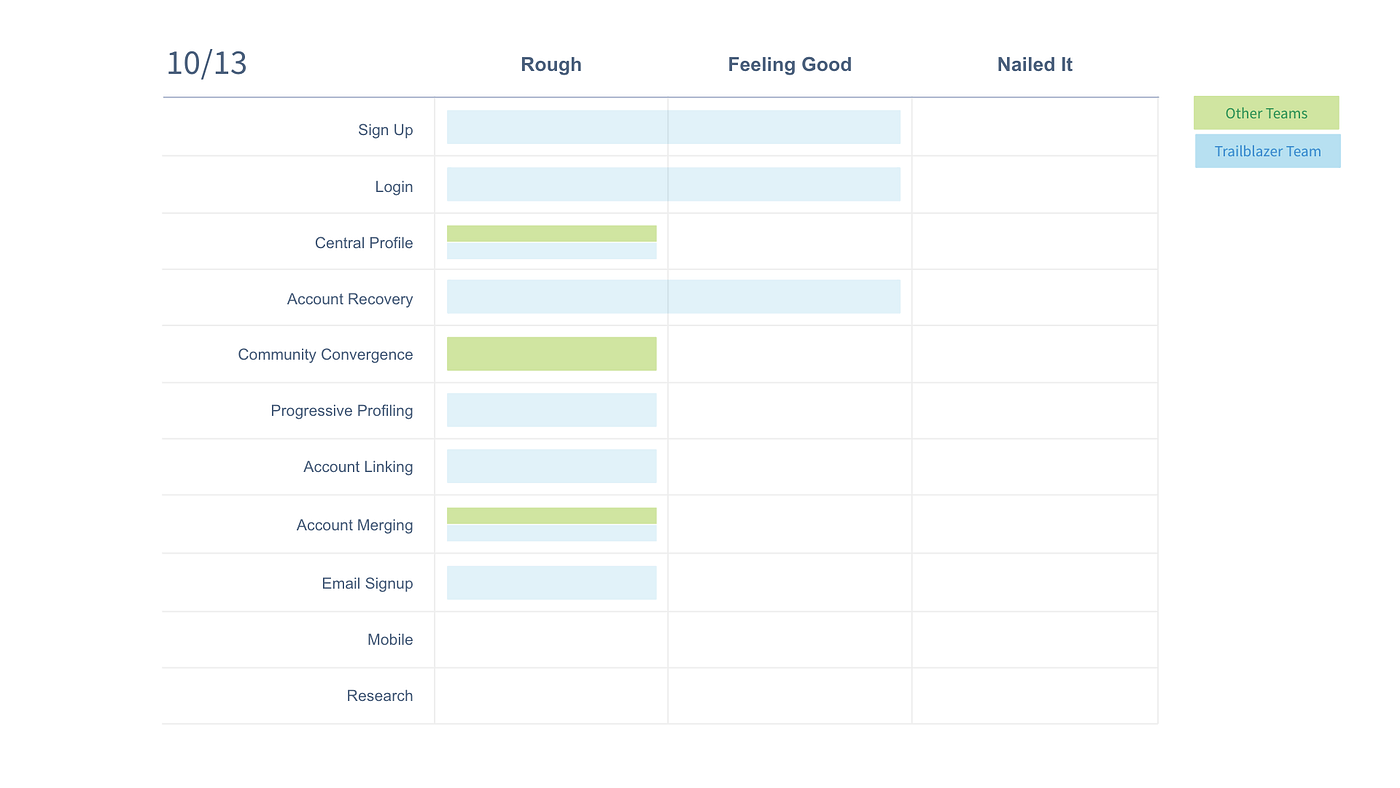
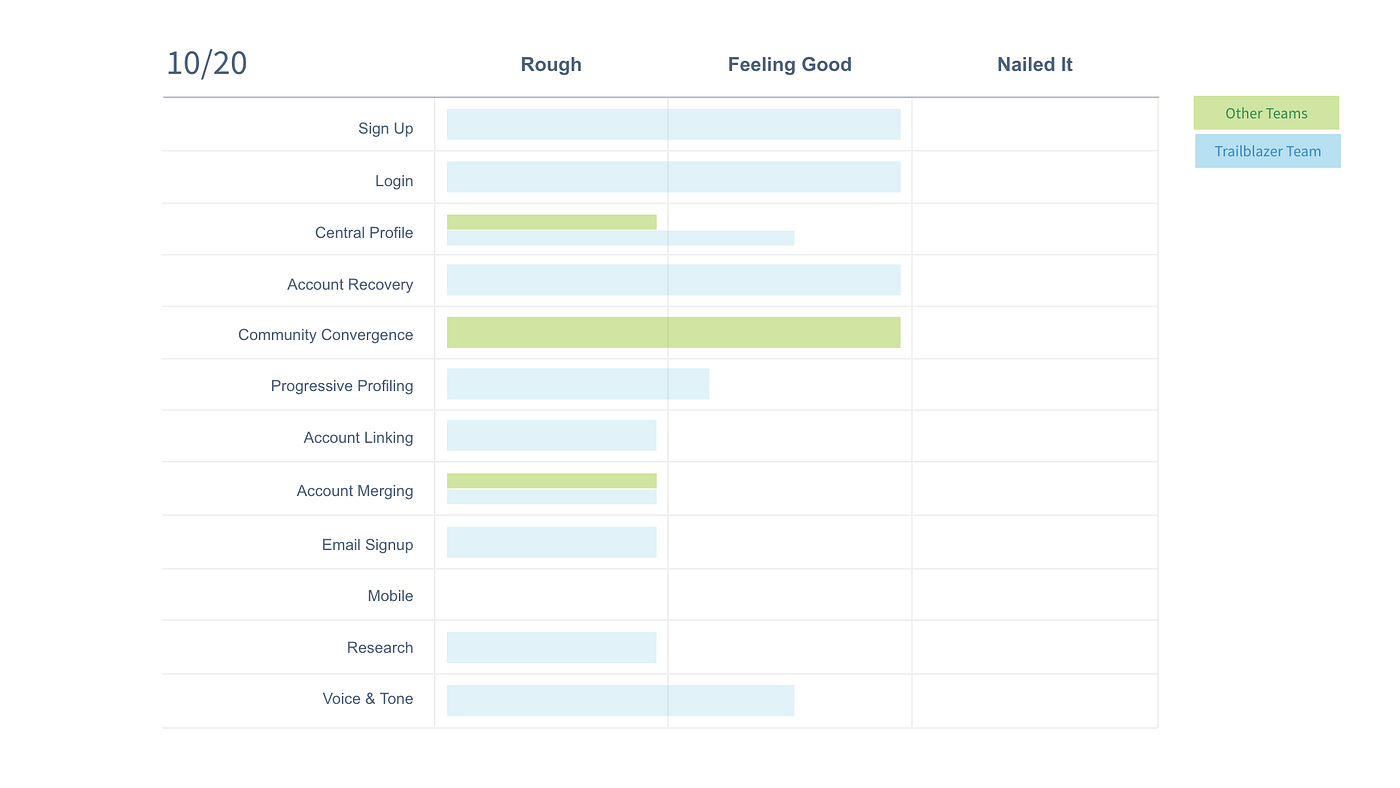
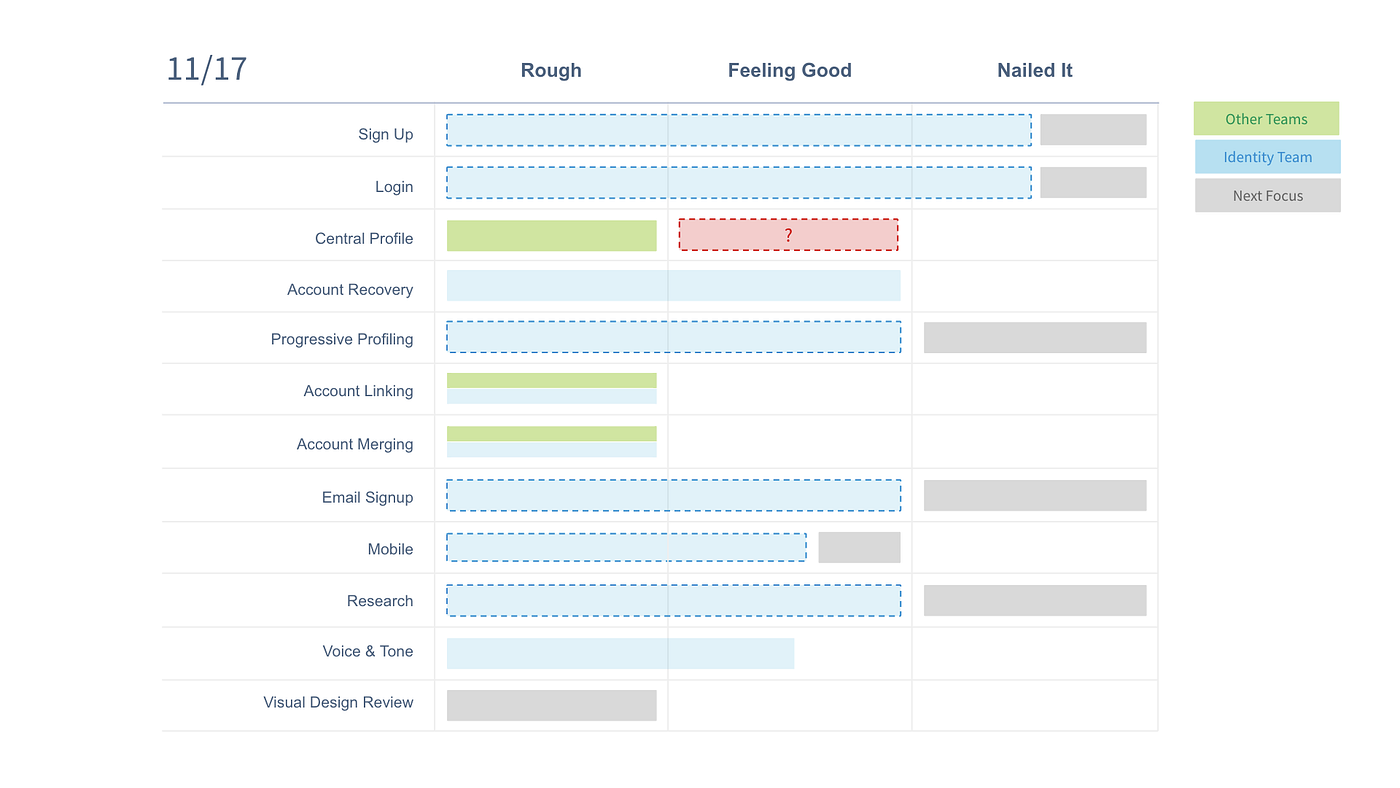
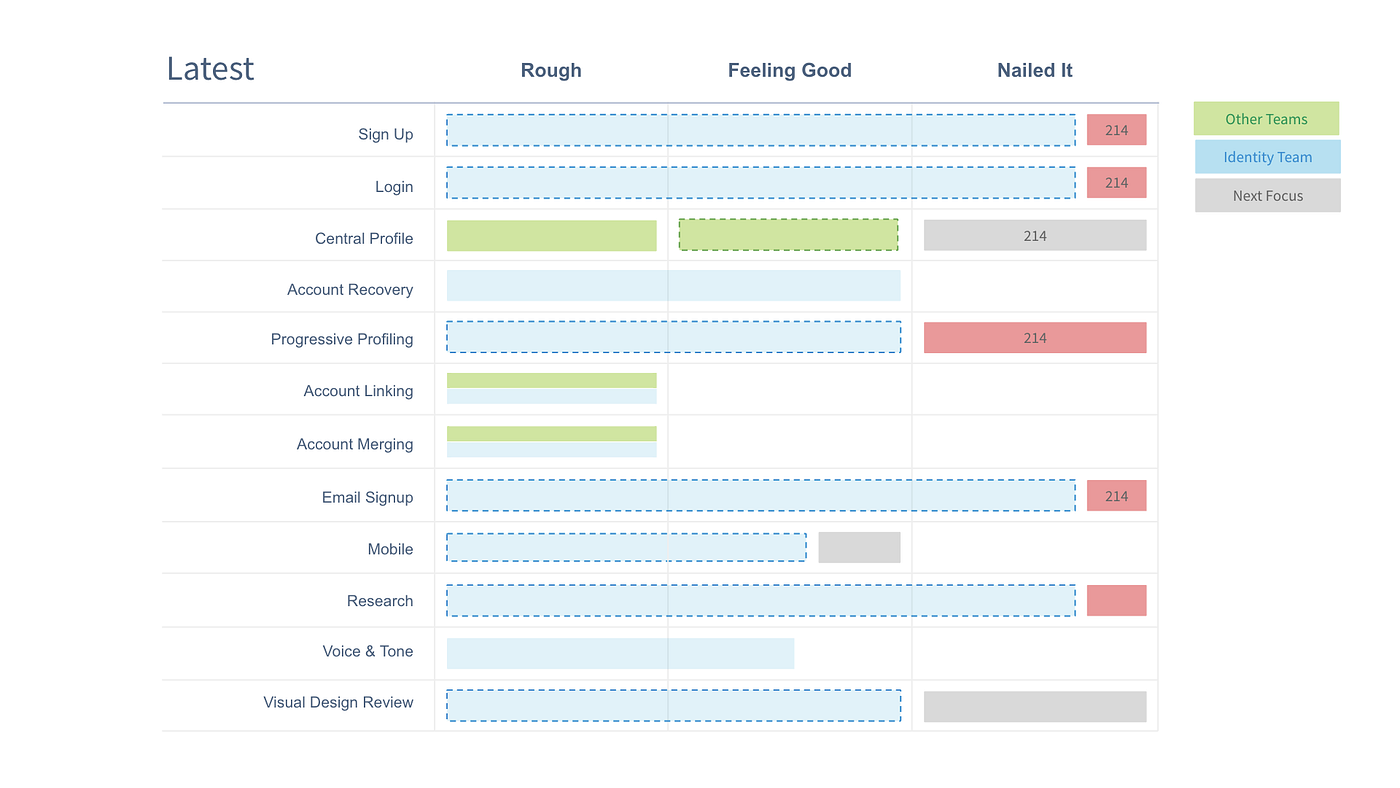
As we proceeded, the status and tracking of all the various work streams became a critical part of the success of the project as it covered such a broad area of Salesforce.
Eventually, the work streams got far enough along that we were able to begin delivering production assets.
One of the first exercises was a taxonomy of property types. From this exercise, we also spun up the Global Identity project that I also led.
Aligning on definitions is critical to almost every project. Here, we aligned on some of the more nuanced terms of the product area to help communicate.
Ideation & schematics
With the fundamentals out of the way and the project’s operating model well defined, the researcher and I were able to go heads down on the nitty-gritty details. Things started off well and we made progress quickly.
After aligning on the fundamentals, I moved into user flows to get a sense of how people might journey through login and signup experiences.
All told there were close to a dozen different user flows to explore. Here, a representation of those flows in a format that I refer to as “spark flows” — quick snapshots of a user’s journey.
Spark Flows in more details.
Narrative, validation, and wireframes
Having aligned on the fundamentals of the space, the team and I were equipped to begin honing the direction. This section illustrates the narrative that I crafted for internal and external validation with users.
Persona development was critical to ground us in reality.
These click-throughs enabled us to walk users through an example workflow to validate whether we were on the right track or how we might need to fine-tune out experiences.
Systems Thinking
After usability and validation, I was able to work with the research team to refine the direction and increase the fidelity level. I began by thinking in terms of the system and scalability of the space.
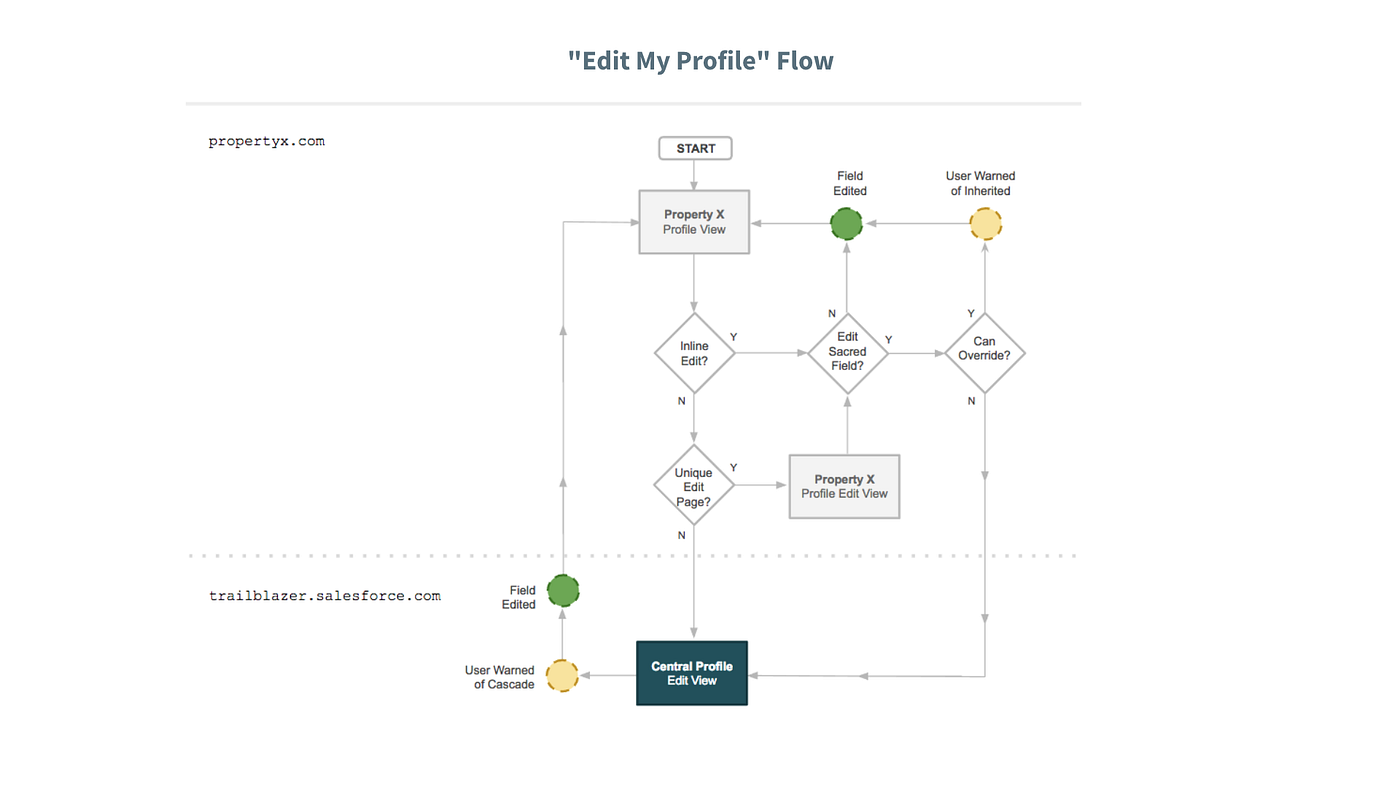
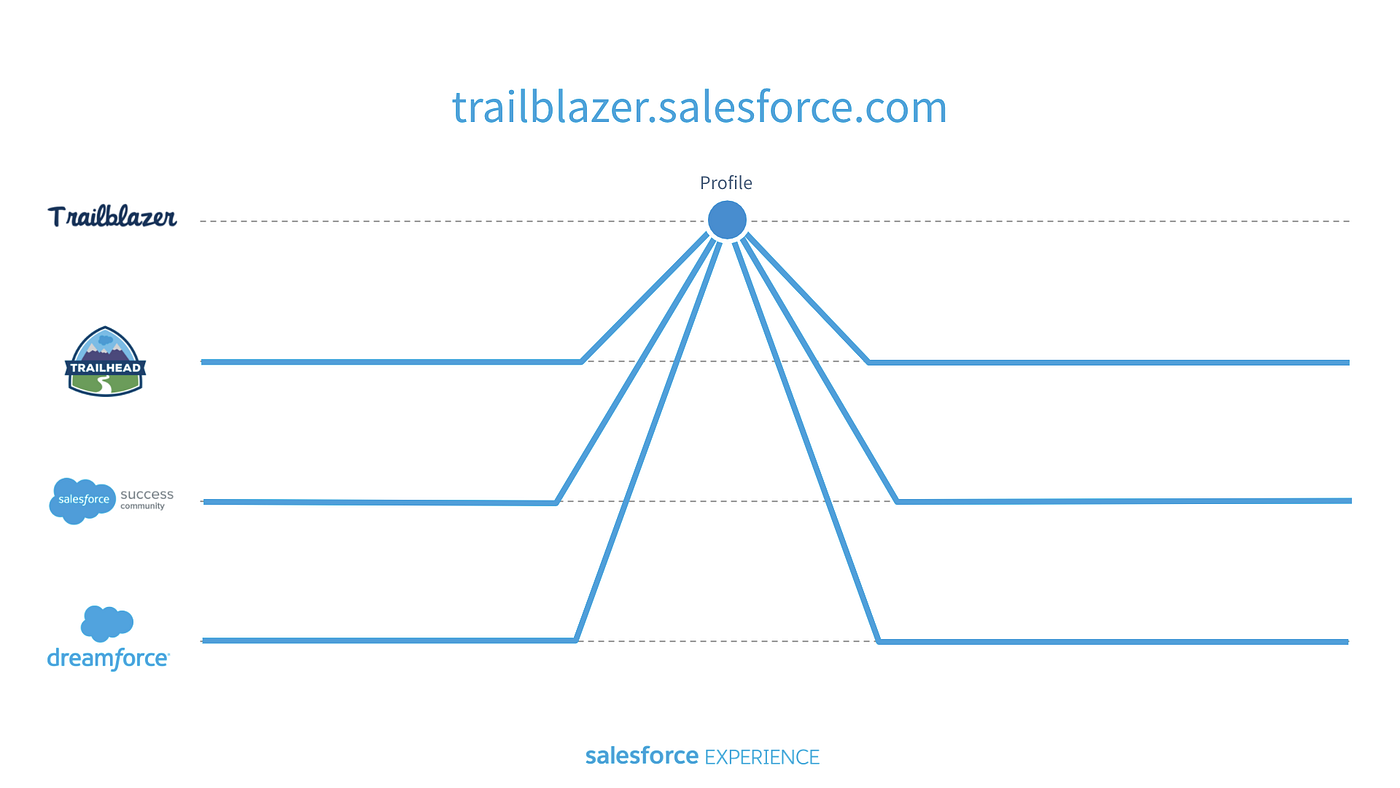
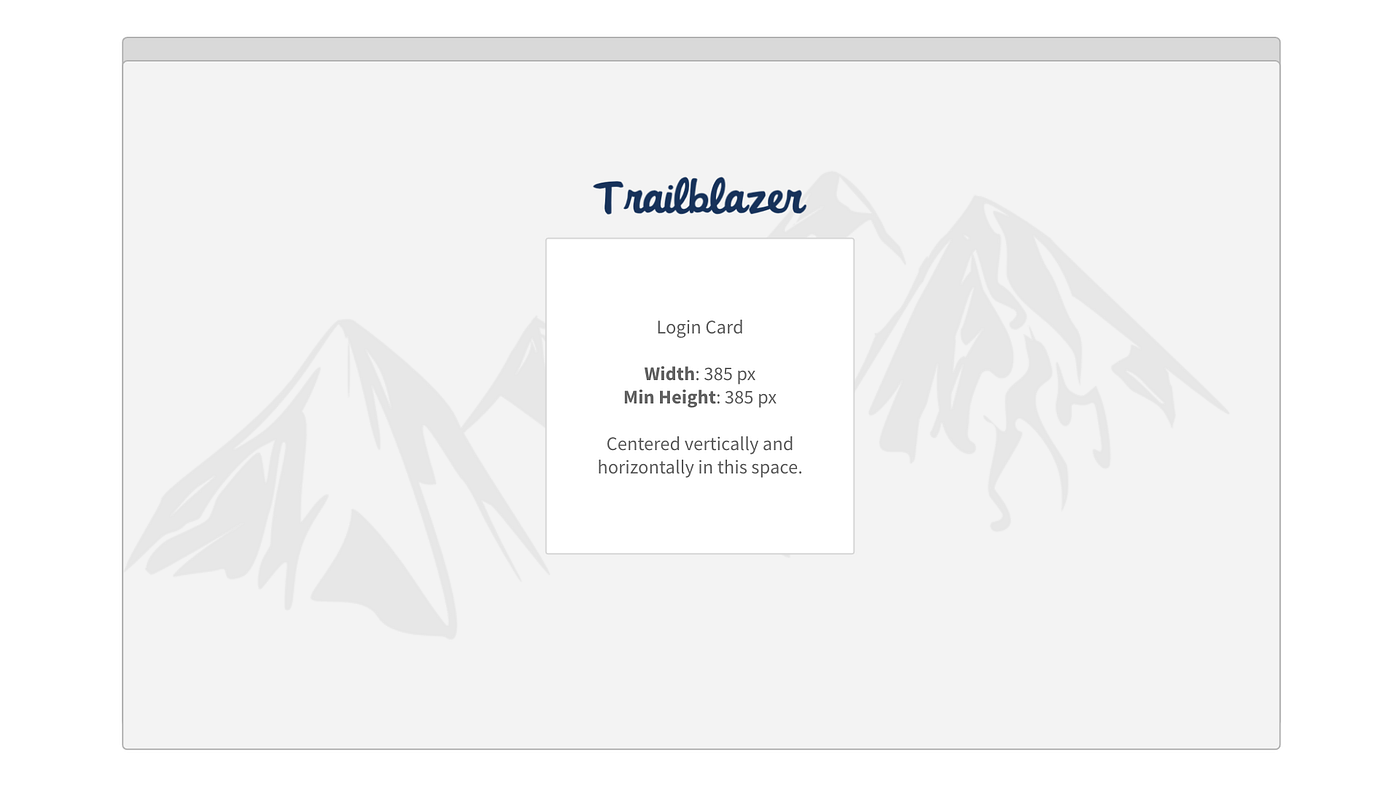
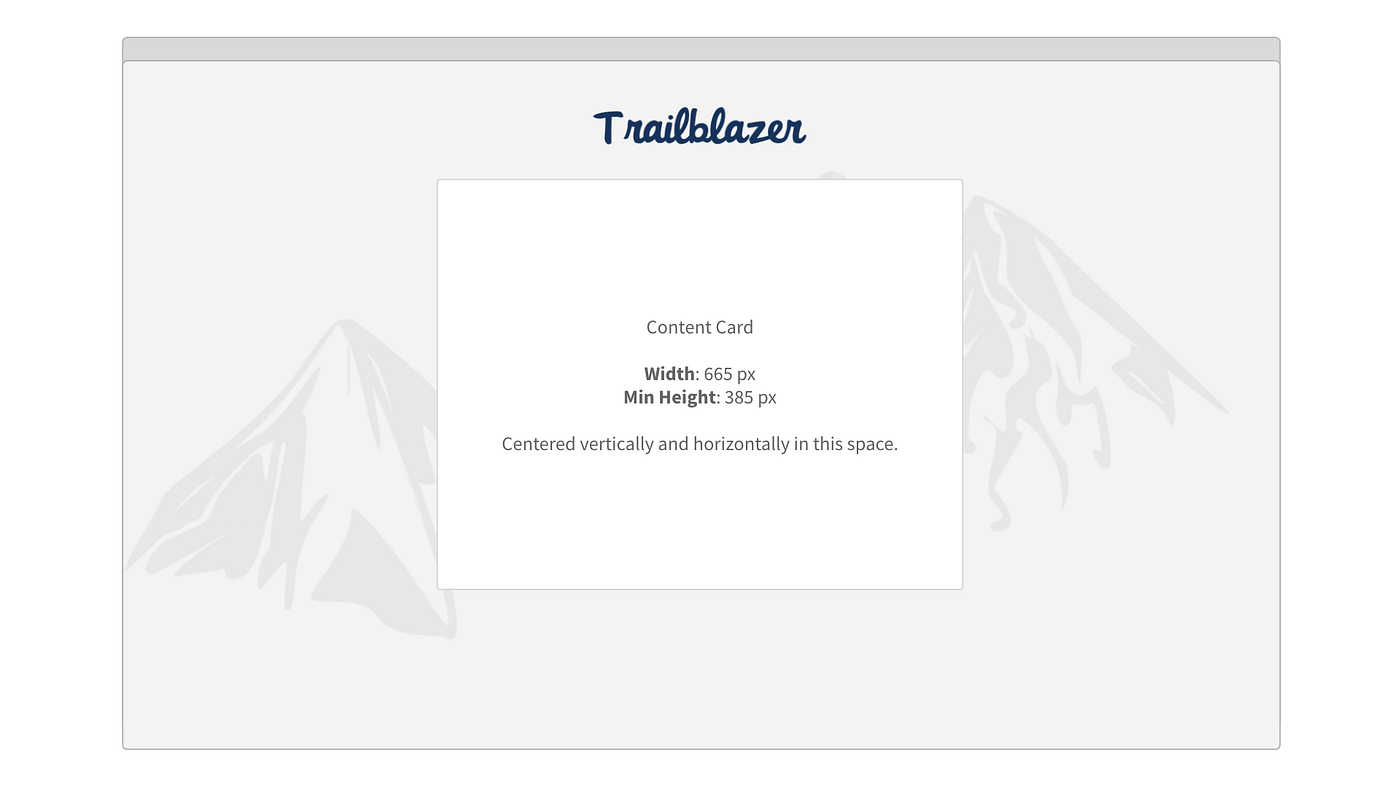
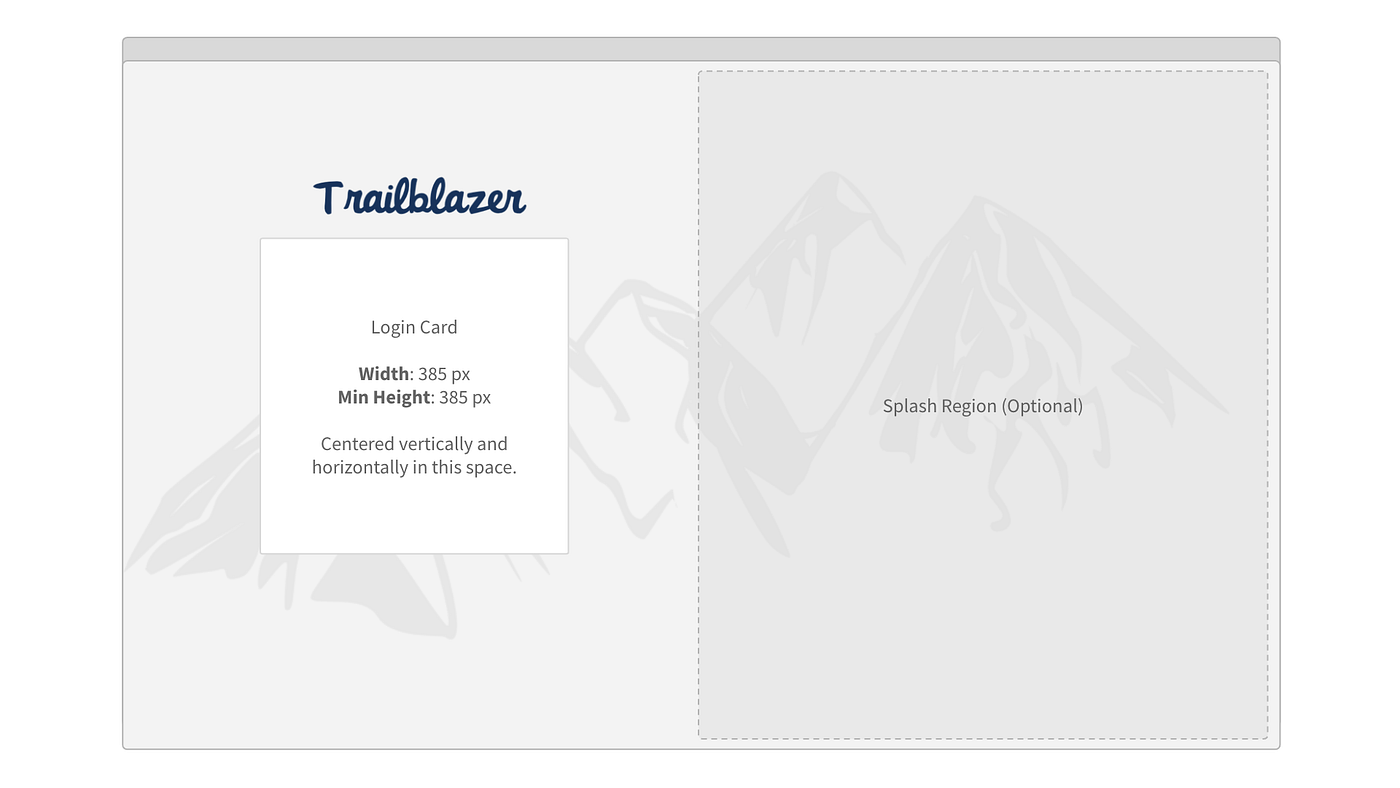
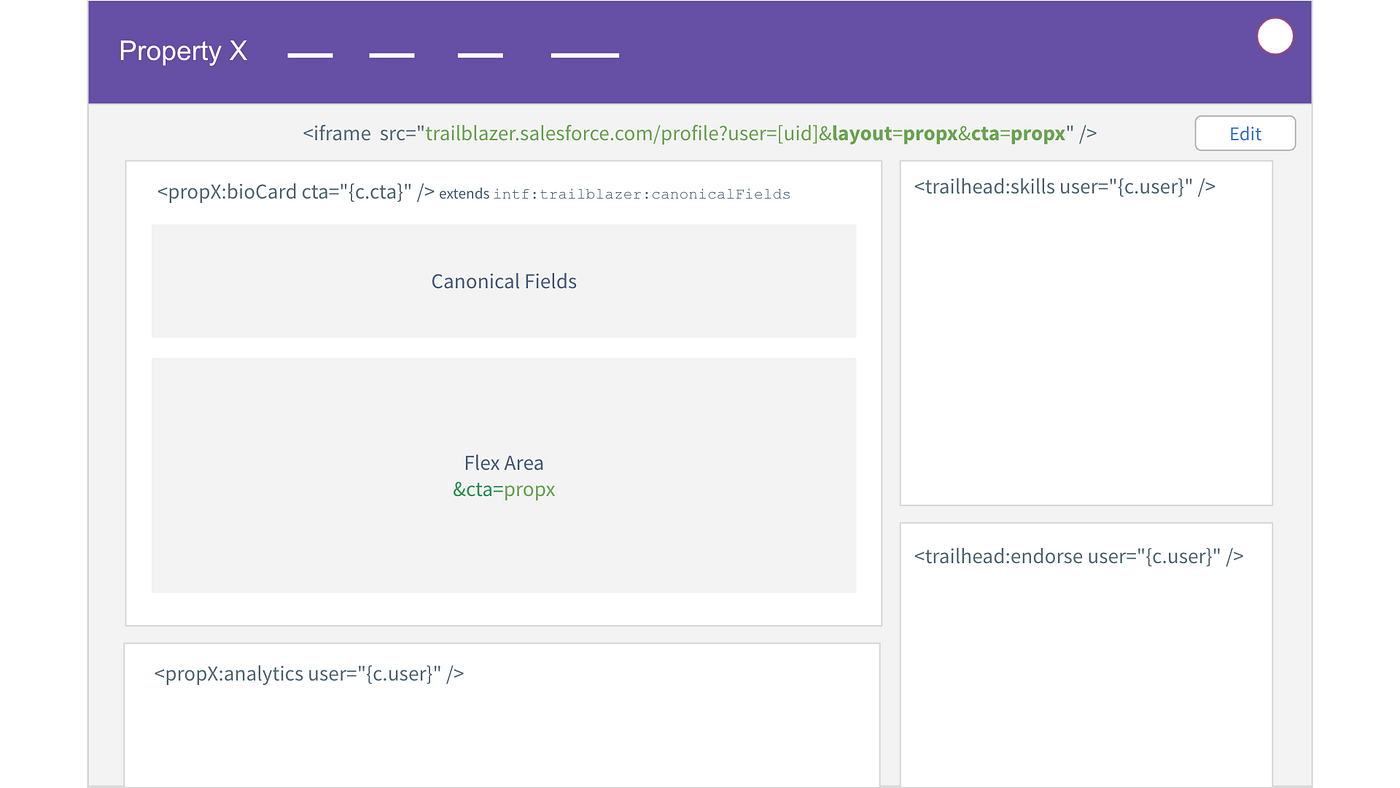
The following are schematics for how the framework could come together, they ended up guiding the team toward the ultimate final direction.
Some of the discussions got rather technical and, having been an engineer in a past life, I was able to help guide those discussions toward a sensible implementation approach.
A Visual Study of Possibilities
Wireframes and rough ideation are great for low-cost validation. Though, sometimes you just have to see what the final product might look like. Having done plenty of validation, we were ready to kick things into overdrive.
The following is a dump of screens that functioned to guide the workgroup to an ultimate final direction — do we go dark or light theme? Do we go full screen or half a splash page? What existing marketing assets can we use and do the background patterns jive with our other properties. (you’ll have to scroll a bit to get to the next section).
Conceptual identity work to help guide the feature sets.
Oh Yeah, Mobile
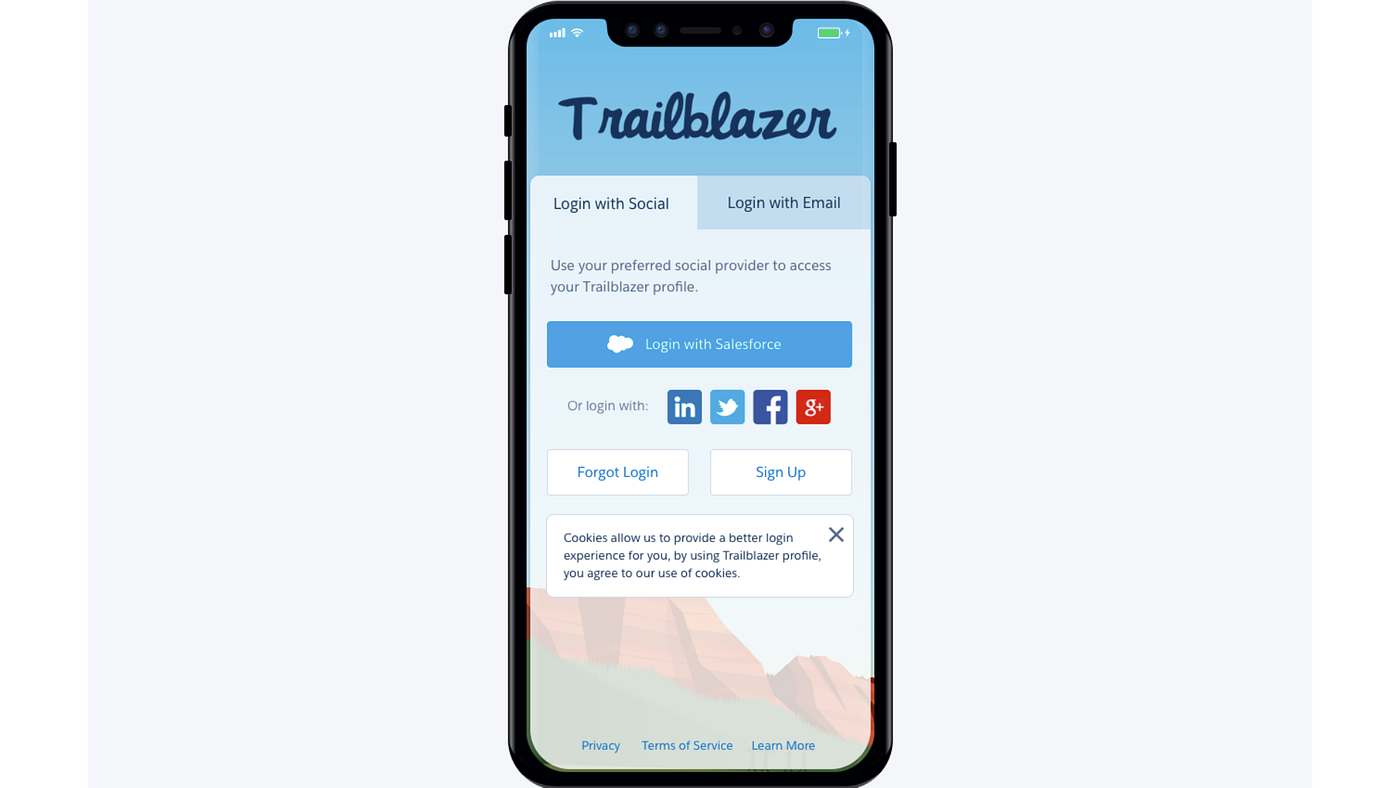
So far we had yet to consider the mobile experience. It was around this time that I carved out a 2-week cycle to dive deep into the mobile experience. The team put our heads together and knocked out a set of screens to mirror the experience from the desktop to a mobile phone, streamlined for human fingers.
The Final Result
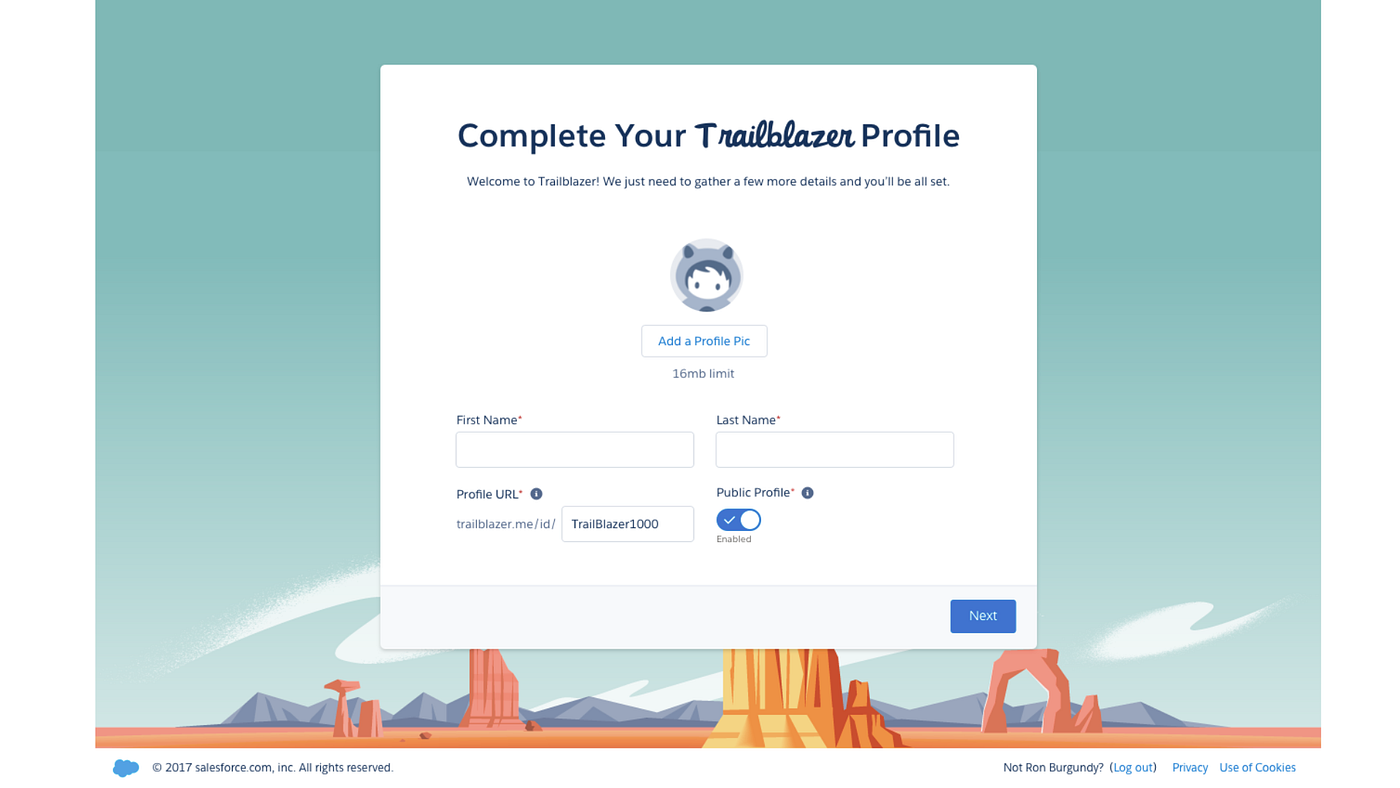
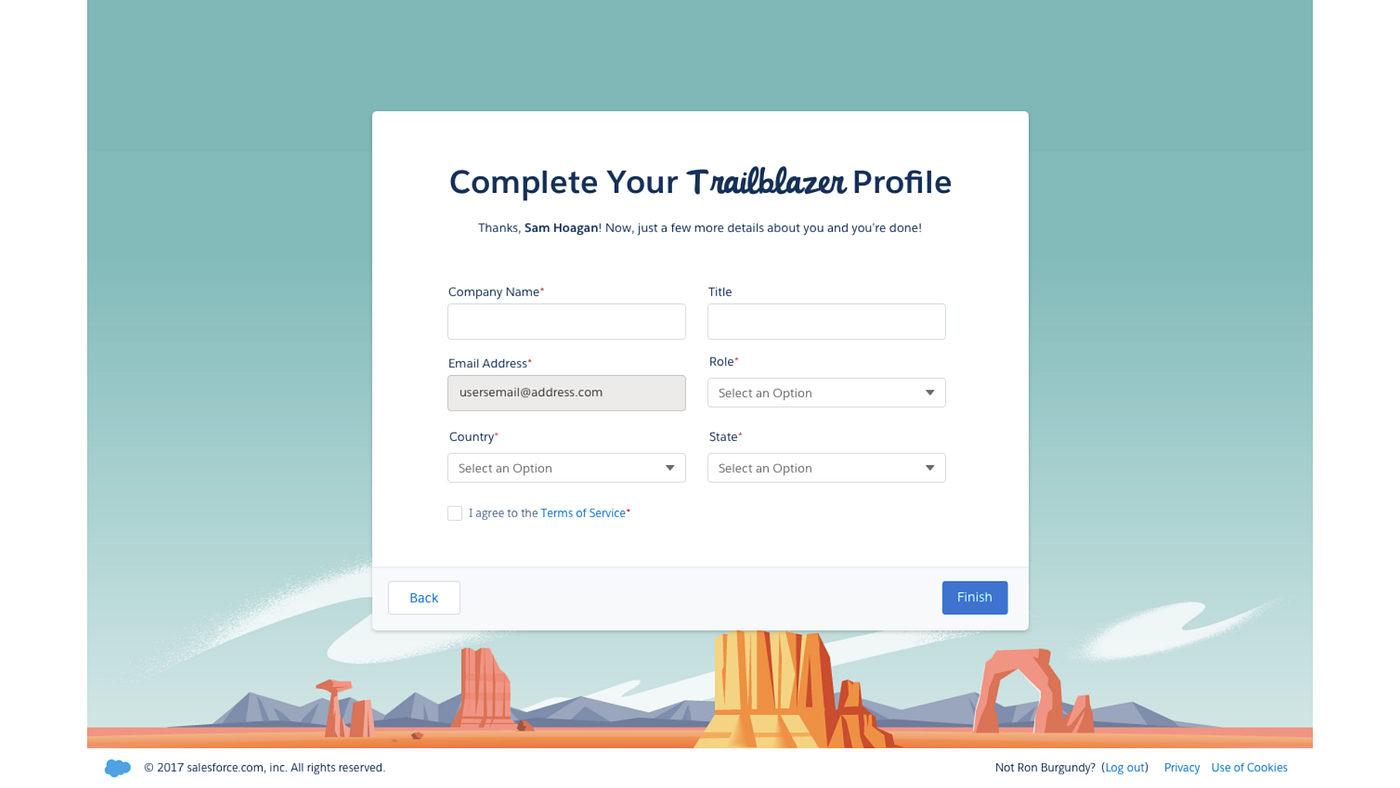
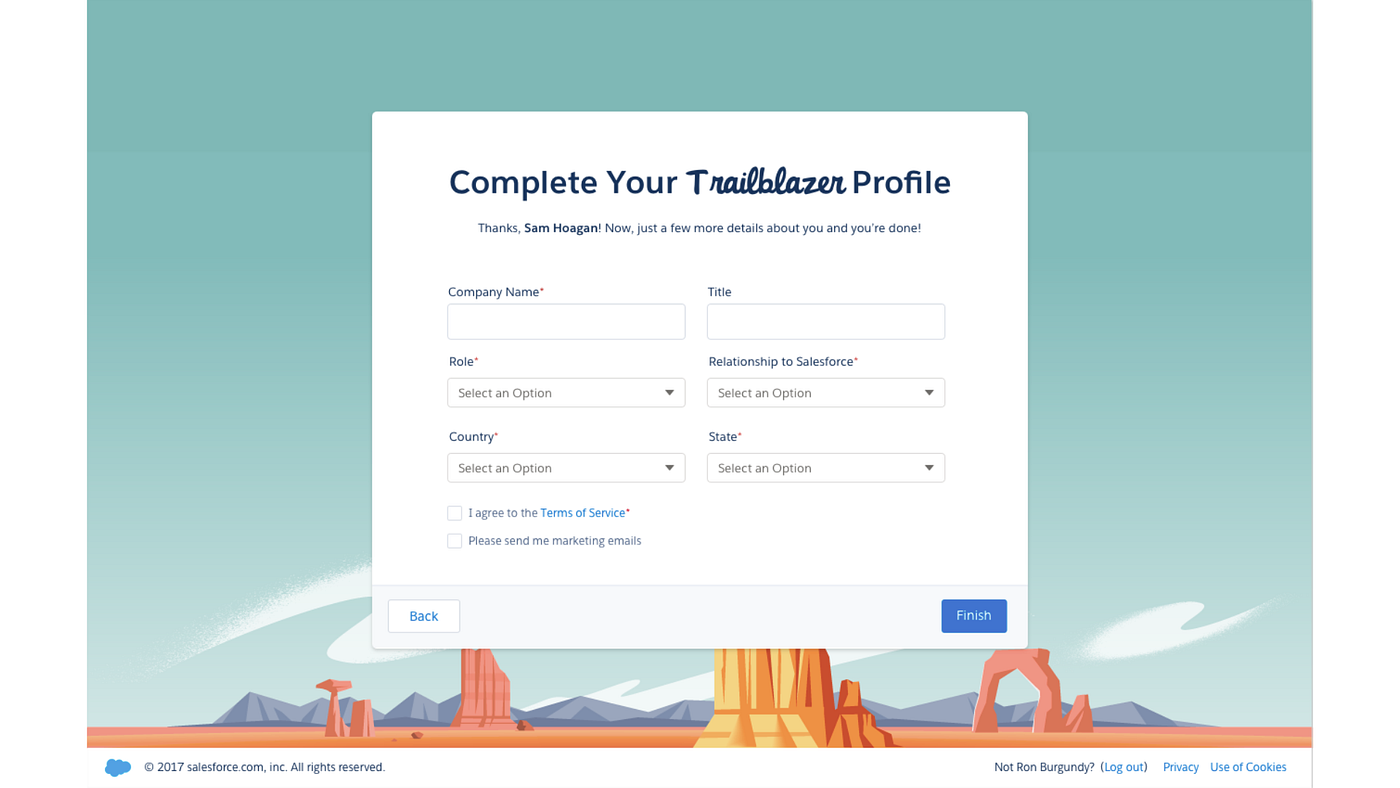
After several reviews with Sarah Franklin (who at the time was VP of Product in Trailhead), as well as some final reviews and validation exercises with end-users, we were able to deliver the final designs.
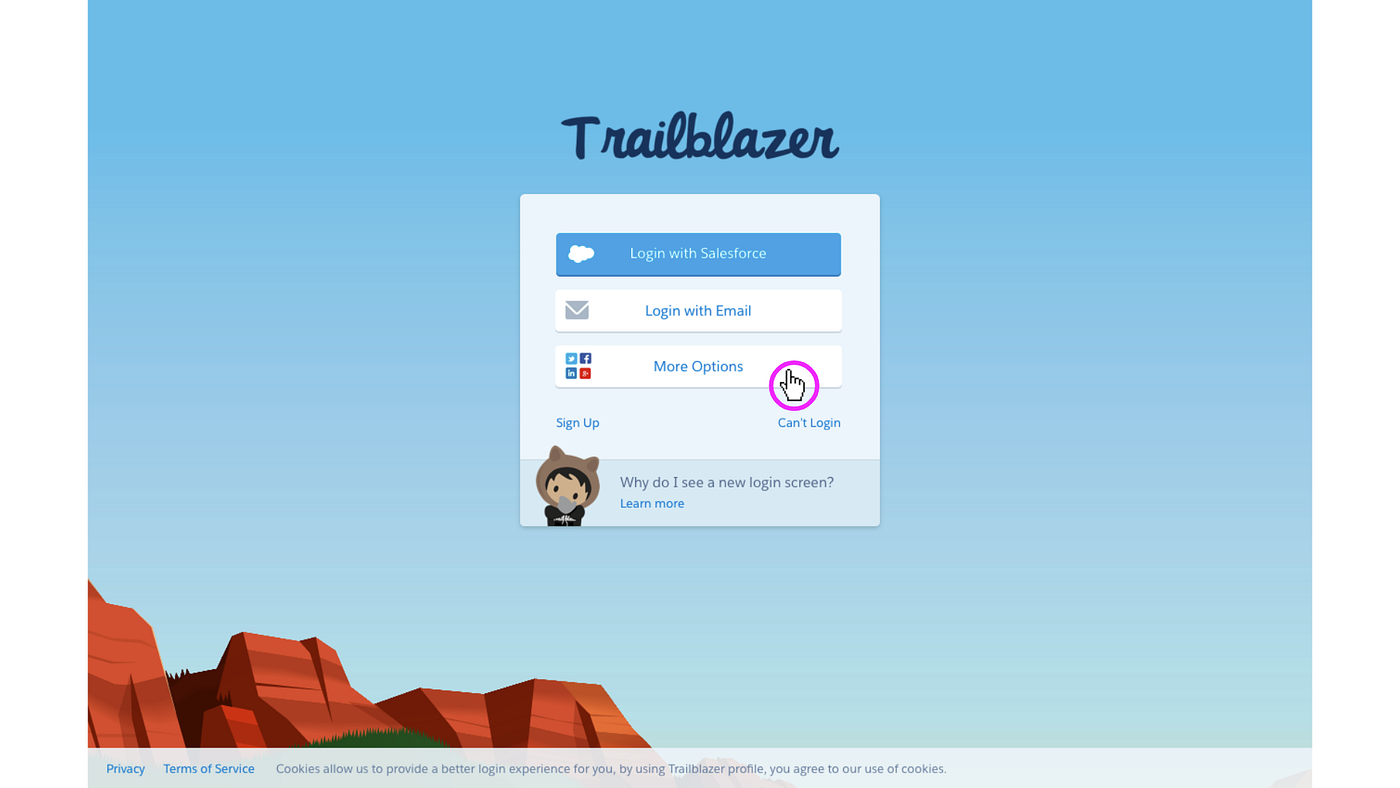
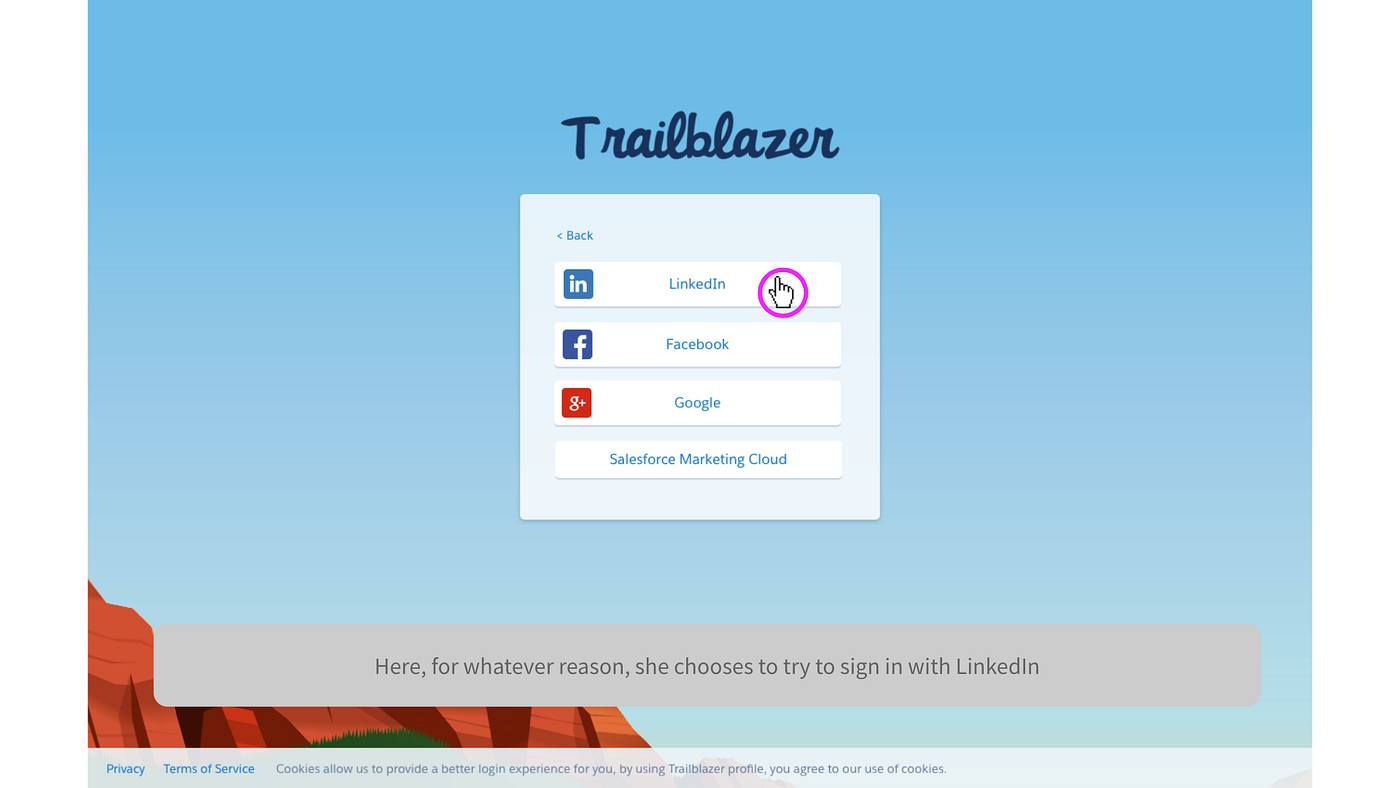
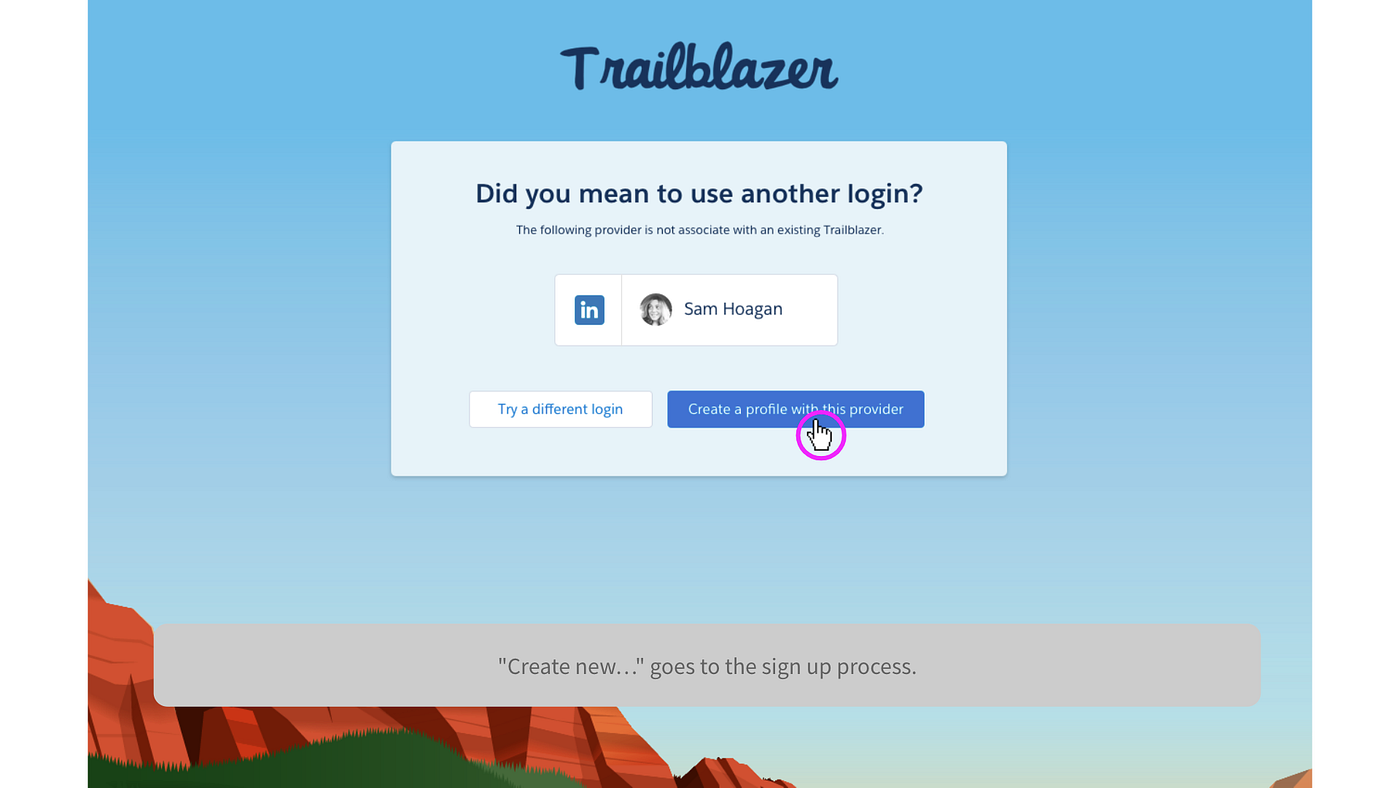
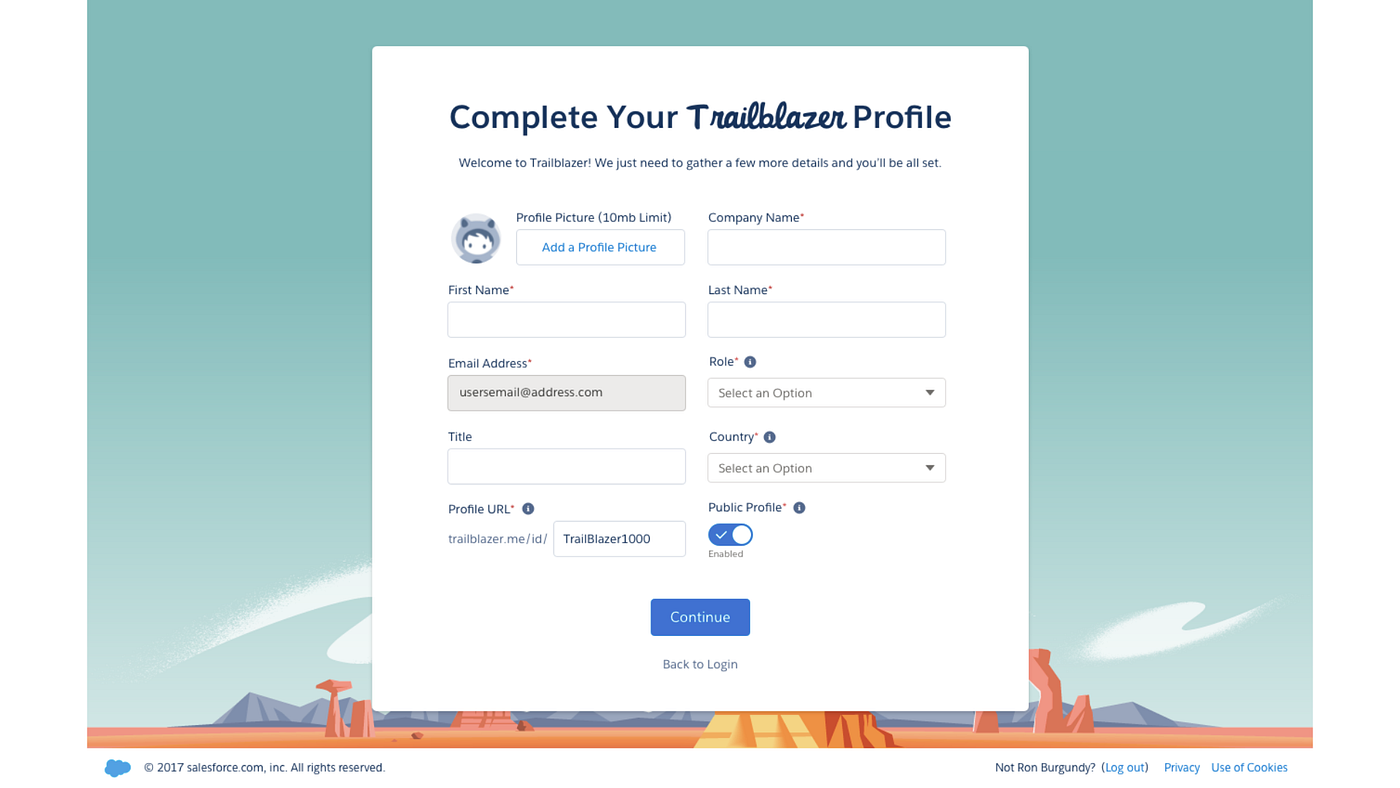
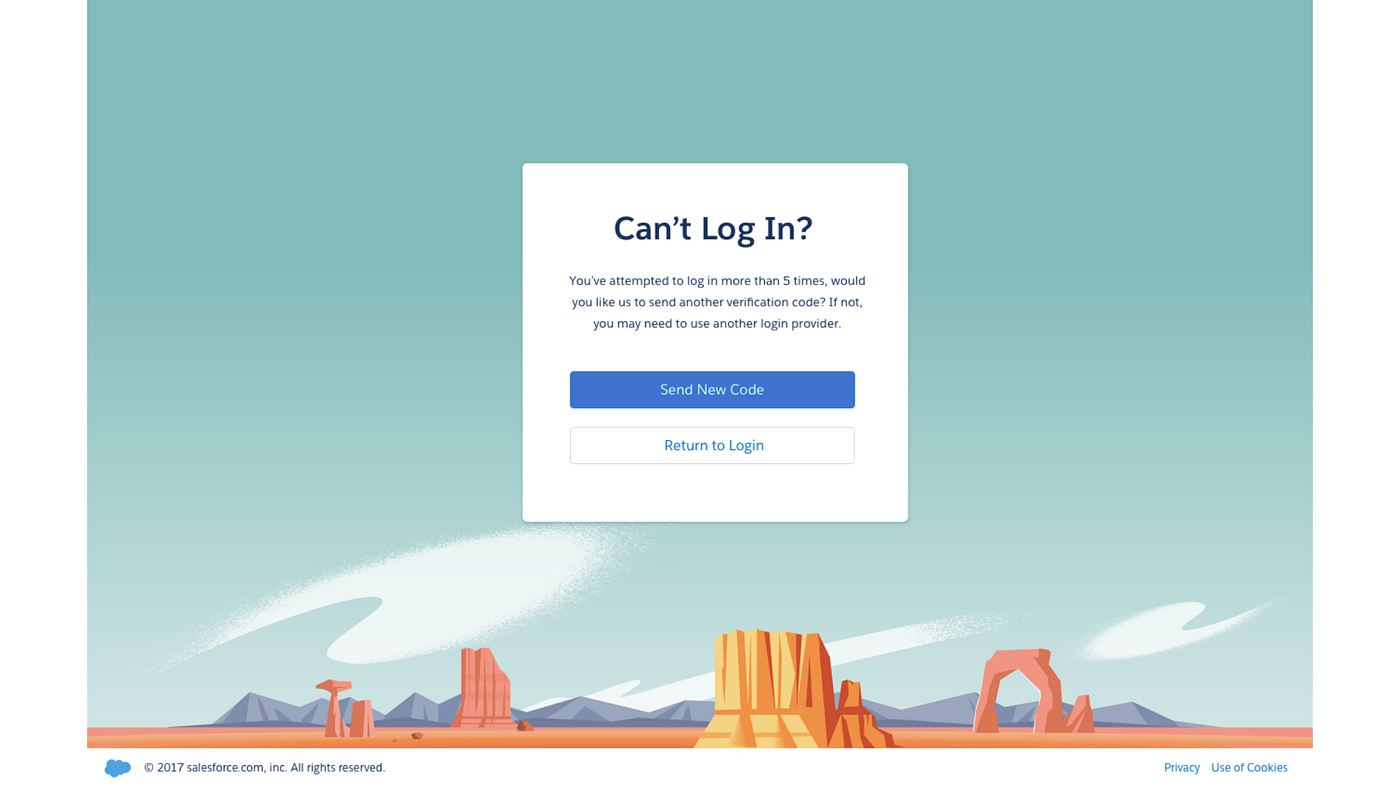
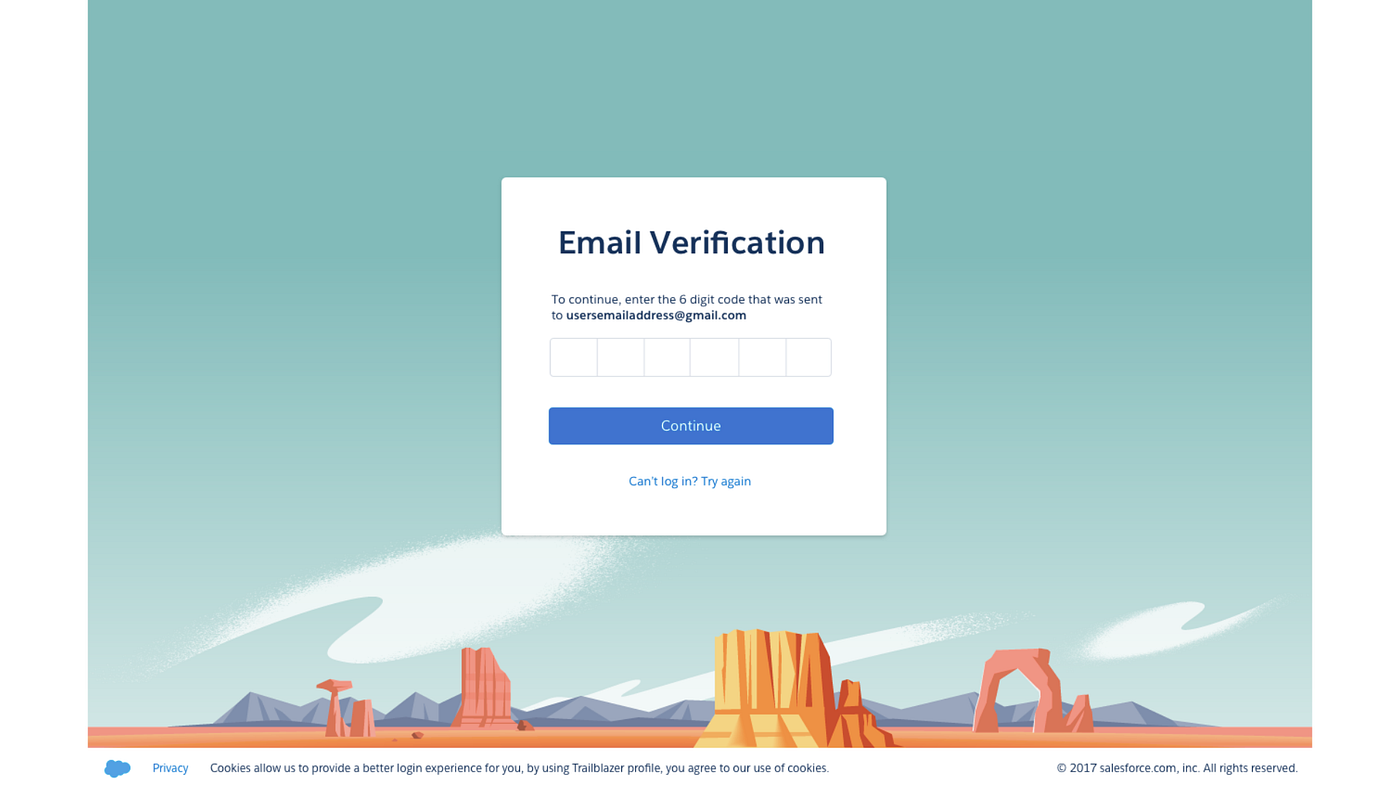
This is the login and setup experience that was shipped with the launch of the unified Trailhead program and, depending on when you are reading this, should be the experience you get when you login, signup, or forget your password on a Salesforce website.
Other Assets
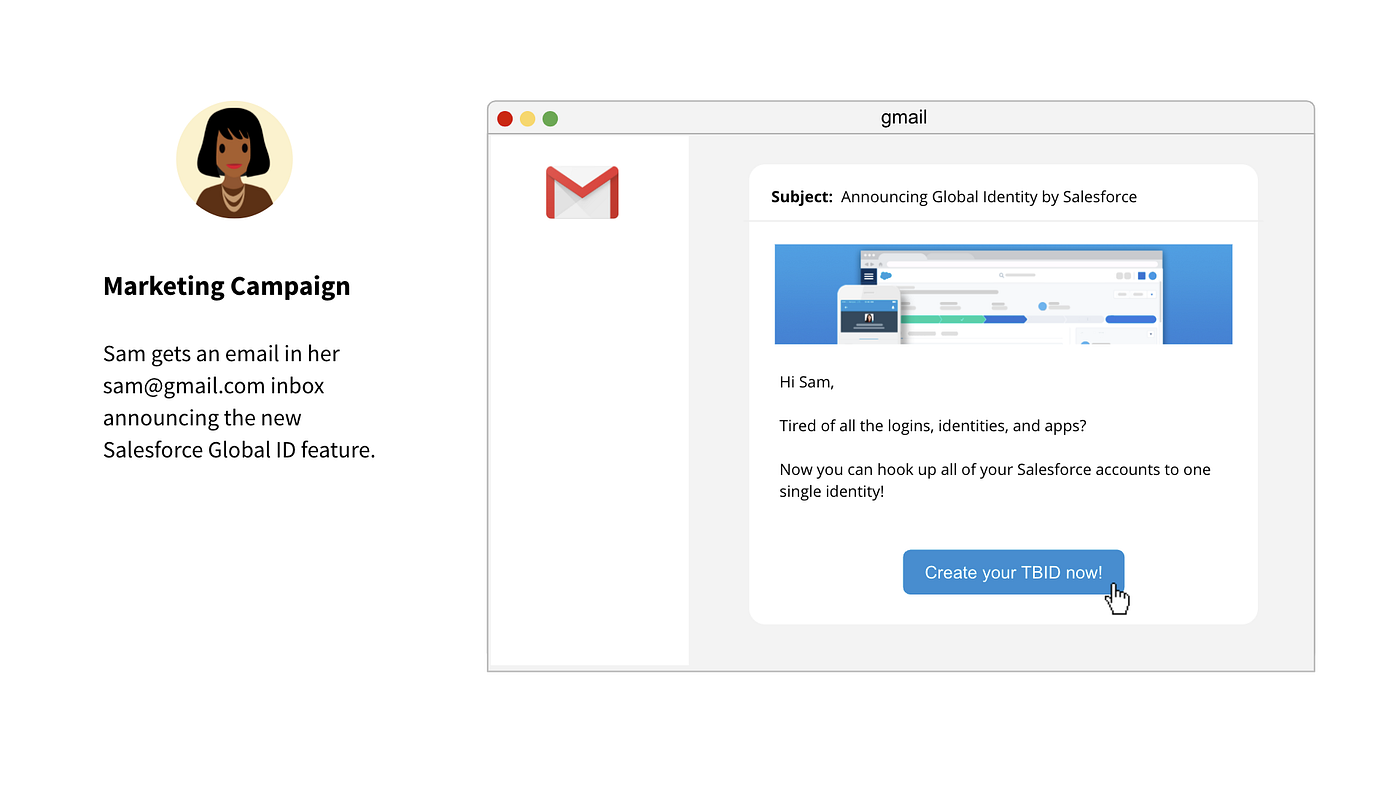
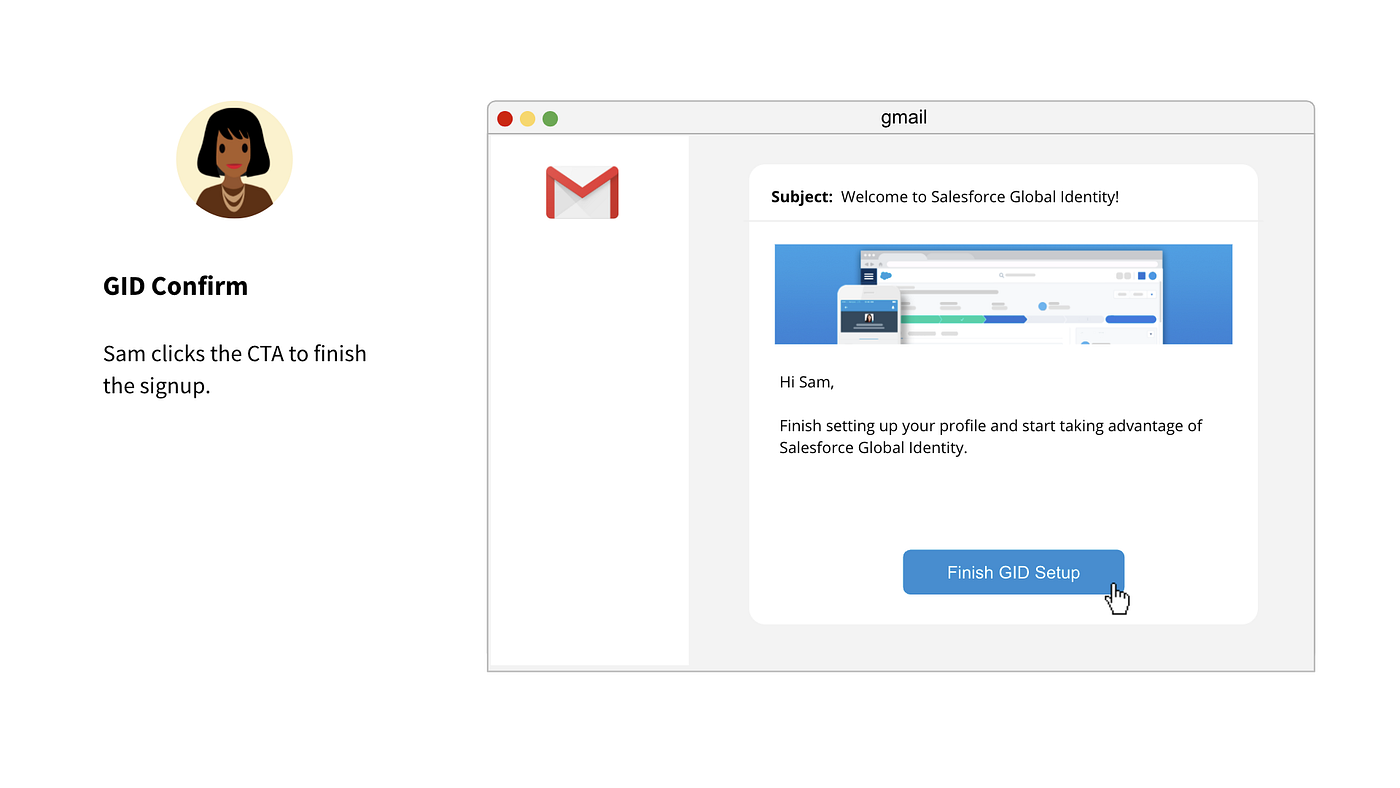
There were some related needs along the way, like the design of the welcoming emails and some experiments with animation and user assistance.
Design | Ideation, Vision, Funding, and Strategy
During the generative work on TrailblazerID (which was a project to unify the identity services for all external Salesforce properties), we had a parallel track of work to explore the same problem space for internal experiences and applications.
Salesforce’s many acquisitions over the years resulted in a fragmentation of systems where users had separate logins and identities for all the Salesforce applications from Sales, Marketing, Analytics, Commerce, and beyond. To add, there exists a collection of “global tools” and administrative tasks that live above all Salesforce applications that had no shared architecture or experiences.
This project set out to remedy that problem.
Project Kickoff & Alignment
Global Identity covered a very broad area of Salesforce and so required the cooperation of several product organizations. As the design lead, I was responsible for organizing the group, driving collaboration, and pulling together research, product, design, and doc to deliver the final vision.
The vision statement for the project.
A simplified explanation of the eventual solution.
As the project grew, additional stakeholders were added to the project.
I’m a stickler for timelines and goals. Without goals, projects might wander or have no concise ending.
At the time, the team was bullish on rolling TrailblazerID into Global Identity, resulting in _one single identity service for ALL Salesforce. As of this writing, that remains a future roadmap goal._
Not only were we seeking to unify the user’s experiences, the framework that was emerging (now known as Salesforce Hub) needed to also unify the services layer in which these applications communicate.
Defining the System
Most projects I lead follow a similar trajectory, starting with aligning on the problem statement, vision, goals, and basic direction (and oftentimes this phase is preceded by generative research). After this first stage of the project I like to deliver schematics, workflows, and information architecture assets to 1) facilitate the design team’s ideation and 2) to drive communication and alignment with the larger team.
Getting a sense of the flow of data and identity.
When we started this project we couldn’t answer questions like, “when we say ‘cloud’ what do we mean?” or “when we say ‘tenant’ what do we mean?” — here, an example schematic to help explain those paradigms.
A visual taxonomy of the space illustrating the relationship of apps, tenants, clouds, and tools.
An extension of the same visual taxonomy to demonstrate a user’s relationship to those tool spaces.
Getting pragmatic
With the basics out of the way, the team was freed up to begin ideating on the experience. We began articulating the navigation and app experiences that would soon double as resources for facilitating user validation.
Application navigation was a major subject of the project and here we see explorations of different ways of getting to/from different applications.
There were a lot of different ways that end-users could navigate to and from different Salesforce applications from across the entire ecosystem, here we see 2 early models for in-app navigation (a feature that was later deprioritized in favor of focusing on global experiences).
Stress testing and sharing the high-level overview of some of the simpler navigation models.
User validation began to take shape and the following are snapshots of the user validation sessions for the full end-to-end experiences.
This slide captures the narrative we used to begin fleshing out the UX of the experience. The following slides are wireframes and flows we used to validate the direction with stakeholders and users alike.
One of the resulting ideas from this project was a Global Setup experience which later became Salesforce Hub and a UI pattern for Global Setup Apps.
Next phase of design
After wireframes and validation, the project moved into higher fidelity designs and refinements to the navigation and interaction models.
Information architecture and schematic of the global app launcher.
The same UI with real data applied to demonstrate scalability.
A freezeframe from a set of usability flows showing a mock-up of a global profile page.
Global Setup
As mentioned, in addition to Global Identity, one of the other main tenants of the project was the notion of a Global Setup experience. Our research and design brought the in-app navigation models to an acceptable level of completeness and so we shifted to focus more intently on global setup.
Principles of Global Setup
Looking to existing app patterns for inspiration, I did an audit of the builders and experiences of Salesforce for education.
From the principles and research, I delivered several options that went into design critique and workgroup review.
An example demonstrating how the framework might scale to support a wider set of tools.
One of the first medium-fidelity mockups proposing a single landing page for all of the experiences a user has access to.
Final designs
After further refinement, ideation, and vetting I was able to deliver the final designs for what soon became the model for the future of Global Setup apps.
Conclusion
The Global Identity project was ambitious in its scope and ahead of the rest of the company in realizing the full range of the problem and wanting to fund its solution. Close to the end of the time I was leading this project it was shelved in order to focus on the TrailblazerID .
Eventually, around 2019 this project gained funding and entered full development and now exists in several different capacities across a handful of product orgs including Customer 360, Salesforce Hub, and Global Identity teams.